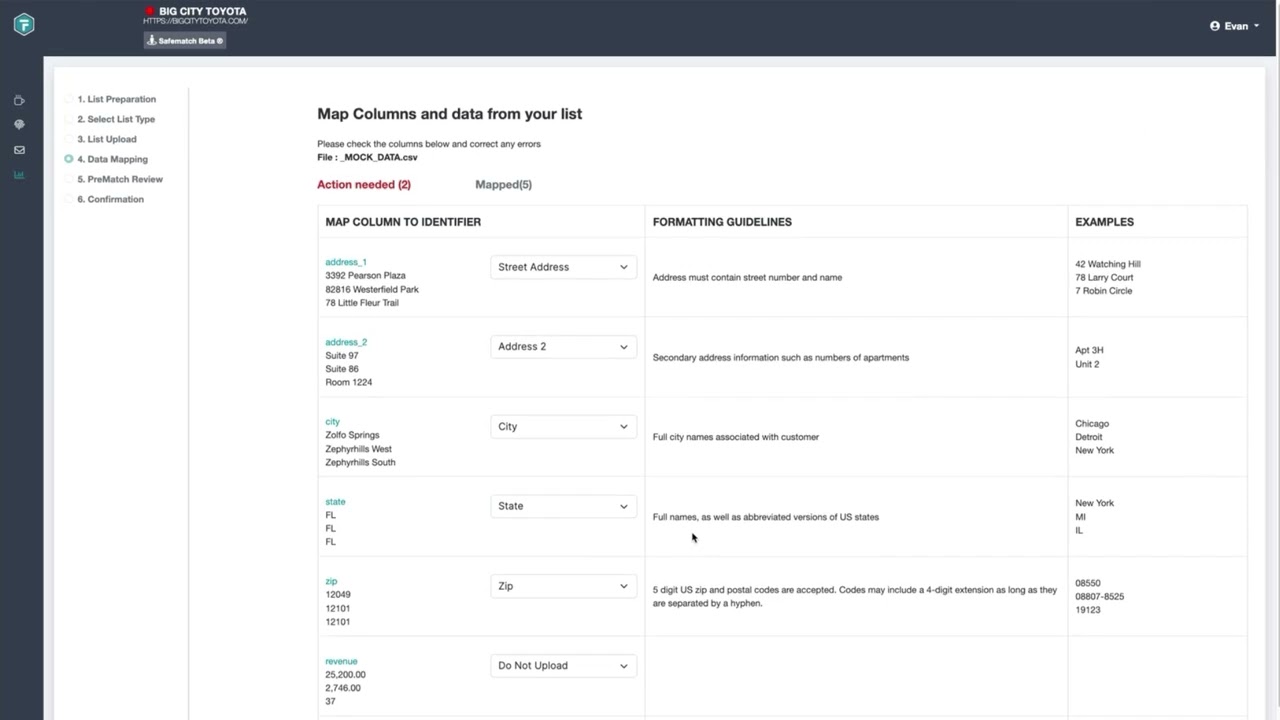
This walkthrough shows you how to upload a file using fullthrottle.ai® SafeMatch®, starting with preparing the correct CVS format and moving through each step of the upload process. You’ll see how to select your upload goal, map your data fields, review your information, and navigate the SafeMatch® workflow from start to finish.
We’ll also cover how to address warnings or errors that may appear during the upload process and what to look for before finalizing your file. By the end of the demo, you’ll understand how to successfully upload data through SafeMatch® and confidently manager future uploads.